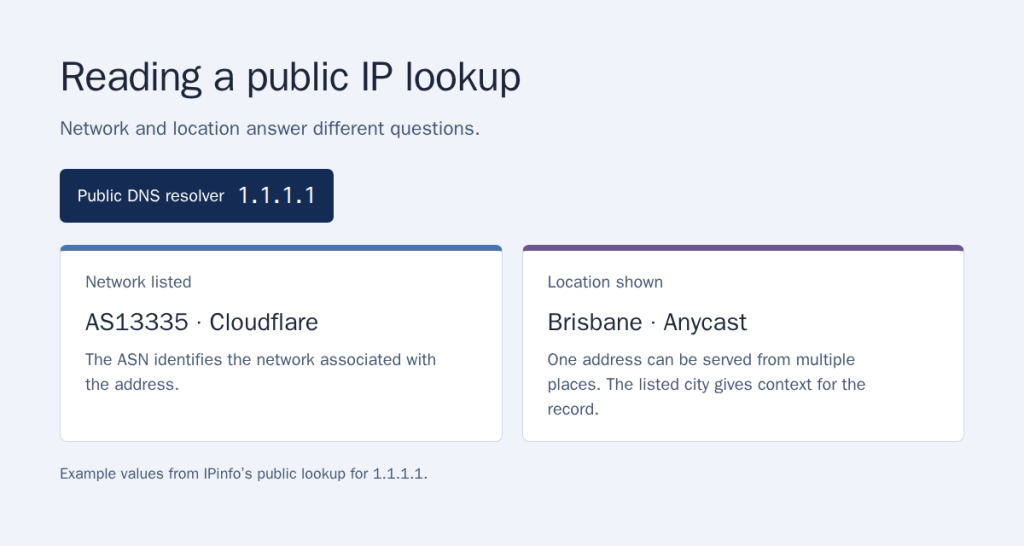
When a public address appears in a connection report, IPinfo can tell you what network it is associated with and what location the service reports. Try a well-known public address first so you can learn what the fields mean without sharing a private log.
Start with the network
Open the lookup for 1.1.1.1, a public DNS resolver address. In the summary, look at ASN, the number that identifies an autonomous system, and the organization listed beside it. The example shows AS13335 and Cloudflare. If you’re writing a network note, keep the IP address, ASN and organization together so someone else can check the same record. Those fields give you context about the network associated with the address.
Treat location as a separate clue
The same record shows a location and marks this address as anycast. In IPinfo’s explanation of anycast, one IP can be served from multiple locations. Read the city as the provider’s data field. It does not show which server handled an individual connection. If the actual route matters, verify it using observations from the network you administer.
A public anycast address can have a network record and a reported location while being served from multiple places.