A shared page needs a title, a short description and an image that still makes sense when displayed as a small card. The imgsrc Open Graph Meta Tag Generator turns those details into HTML tags. Use one page you control as the example, such as a listing for a paper-kite workshop.
Match the tags to the page and image
Open the imgsrc generator and replace the sample data. Set the title and description, then add the page’s public URL and the direct URL of the image you intend to use. Enter the image’s actual dimensions. Check the generated output for og:title, og:url and og:image so the sample values have all been replaced. The generator also provides separate X card tags.
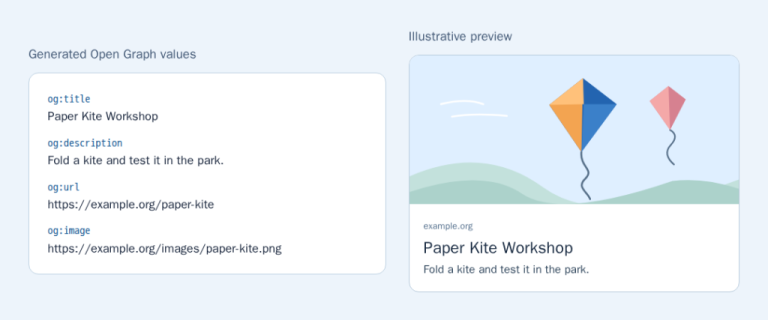
The title, description, page URL and image URL were generated by imgsrc from sample inputs. The card shows where those values may appear.
Check the published values before sharing
Place the generated tags in the page’s HTML head and look at what the page actually serves. If a site template already supplies social tags, update those values or replace the old set. The Open Graph specification describes the core properties a preview can read. Once your page and image are public, open a preview on the platform you plan to use and check whether it picked up the intended title and image.