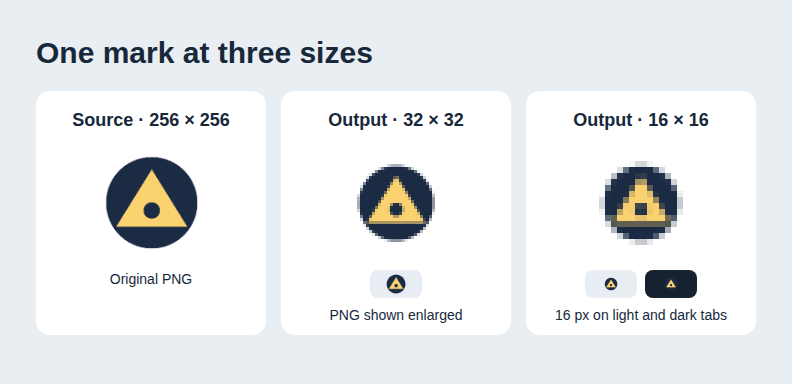
A logo that looks clear on a homepage can become hard to recognize in a 16-pixel browser tab. Start with a square PNG that has a simple shape and room around it. Favic-o-Matic makes the small icon files and gives you example HTML for placing them on a site.
Generate the small icon set first
Choose Just the good ol’ favicon.ico and upload an image you can use. The ZIP for that preset contains a multi-size favicon.ico, separate 16 × 16 and 32 × 32 PNGs, and code.txt with example link tags for the two PNGs. Open the small PNG at its original size and check whether the mark is still readable. Use the wider preset or the size choices in advanced settings if your project needs more variants.
Check the paths and the tab
Copy the files you need into your site and use the link tags in the page’s HTML head. Adjust their paths to point to the files you actually deployed. Open the page and check the tab icon at its usual size. For a transparent source image, look for a visible outline against both a light and a dark browser background.