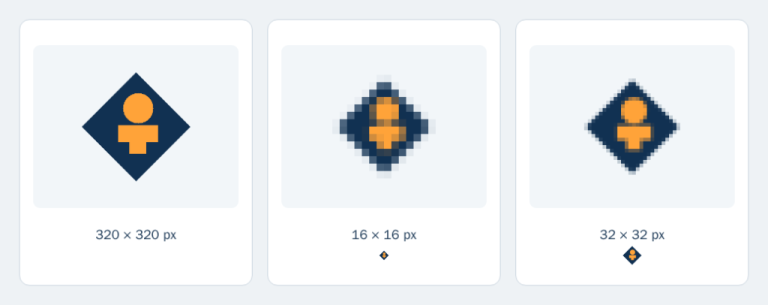
A favicon can be clear at full size and turn into a blur in a browser tab. Favicon.io’s image converter is useful when you already have a square drawing that you can use. Start with one bold shape and a little space around it.
Convert your drawing and inspect the smallest file
Open the Favicon.io image converter and choose your own PNG. Inspect the preview, then use Download favicon package. Unzip it and open the 16-by-16 and 32-by-32 PNGs at actual size. If two details run together in the small version, return to the source and widen the gap or remove a detail before converting again. The package also includes an ICO and files for other icon sizes.
The same original drawing at 320 pixels and as Favicon.io’s 16- and 32-pixel outputs. The enlarged views show where the edges soften.
Put the icon paths where your page can find them
The converter page shows which files go with its HTML tags. On a site you control, place the exported files where those paths point and put the appropriate links in the page’s head. Open a test page in a fresh browser tab and see how the icon looks beside the page title. Use artwork you own or have permission to convert, as the site’s terms explain.